
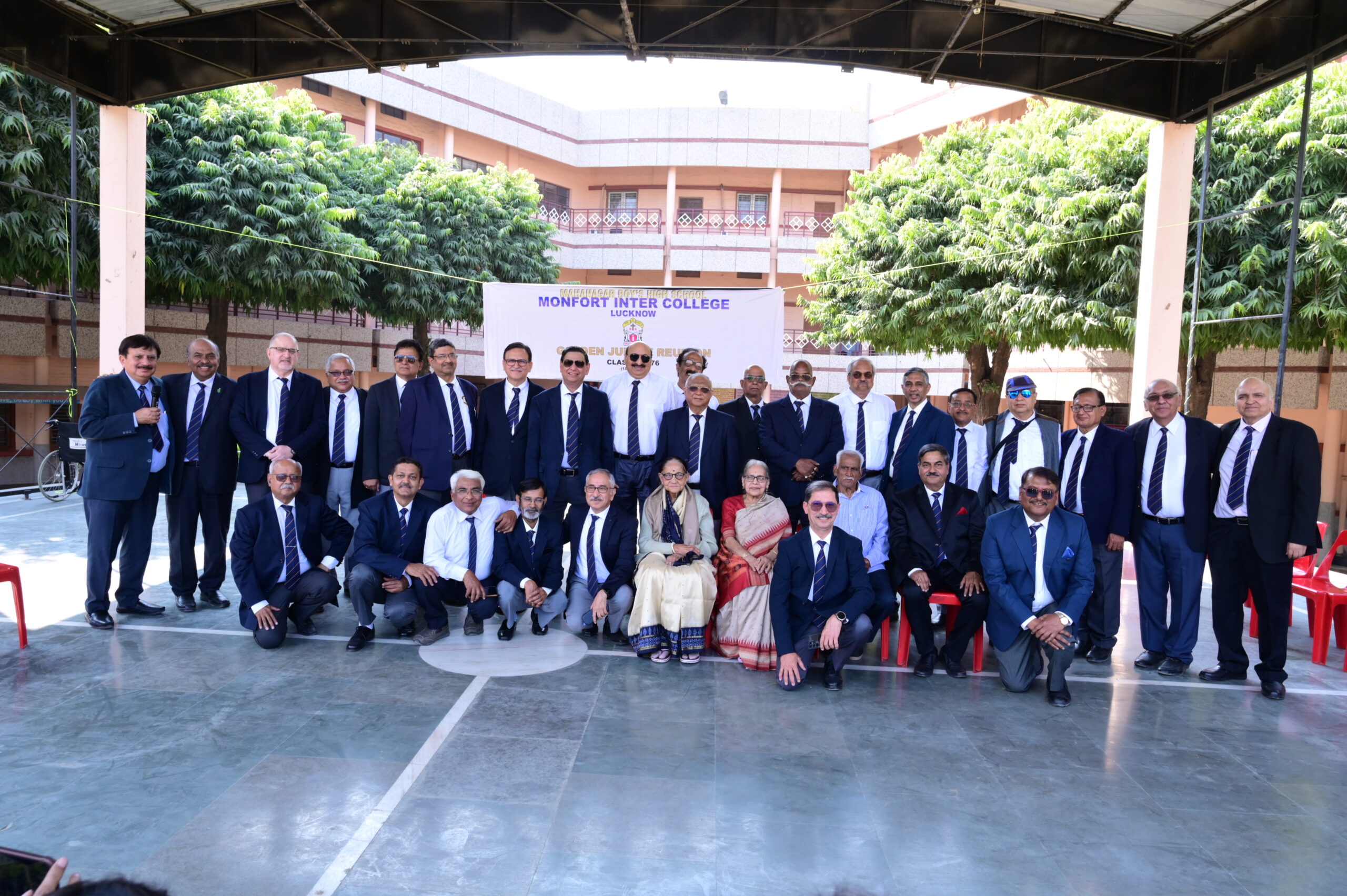
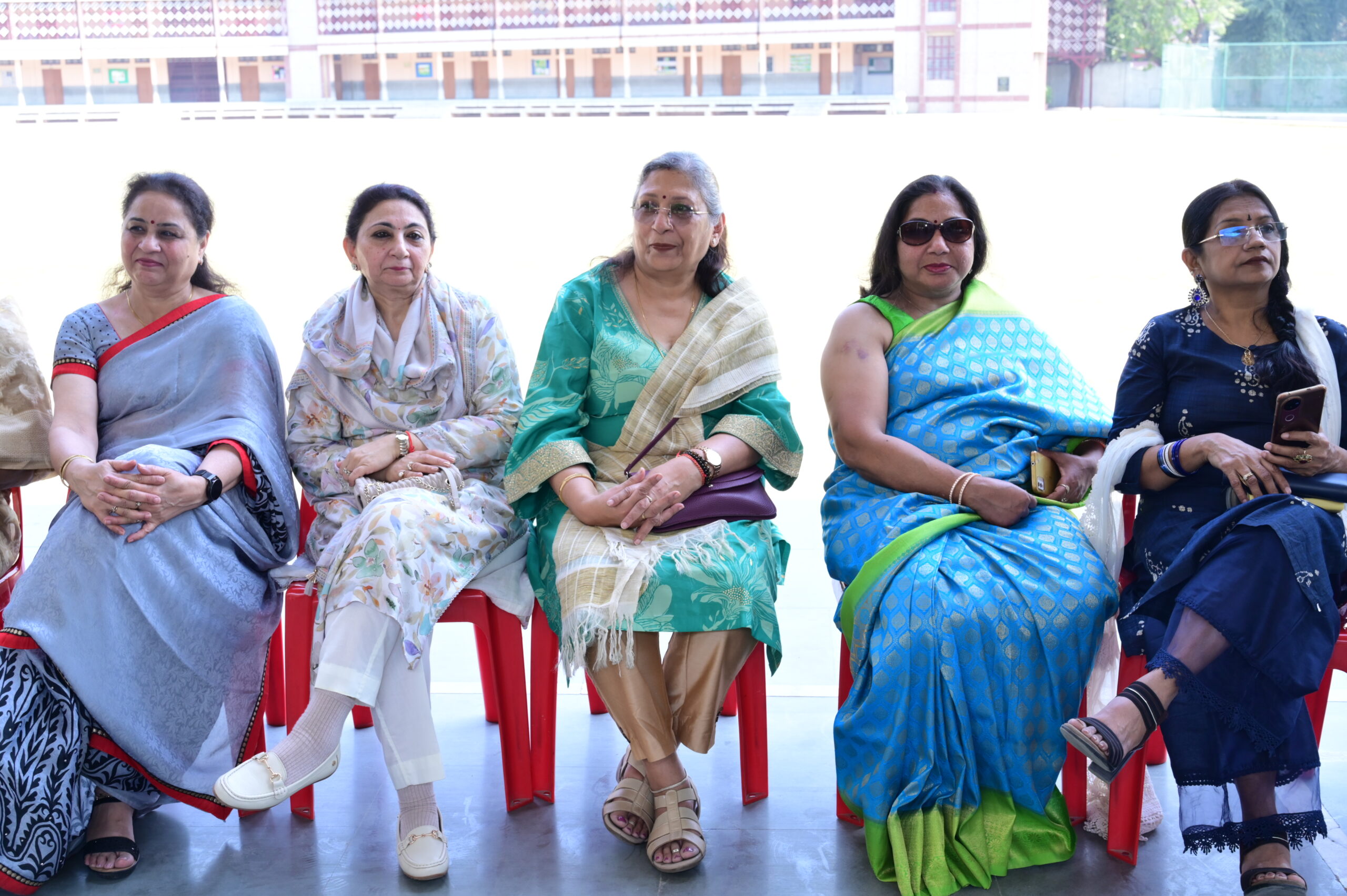







1. Add photos: each dashed box below is one category. Click the gallery inside it, then click the photos shown in the left panel (or Add to gallery) and tick as many pictures as you like from your Media Library.
2. Rename a category: click its heading and change the text. The button on the live page changes automatically.
3. Add a new category: right-click a dashed box, choose Duplicate, rename its heading and replace the photos. A new button appears automatically.
4. Delete a category: right-click its dashed box and choose Delete.
Every photo also shows under All Photos. Check the result on the live page, because the buttons and the photo viewer do not run inside the editor.